Learns your vocabulary
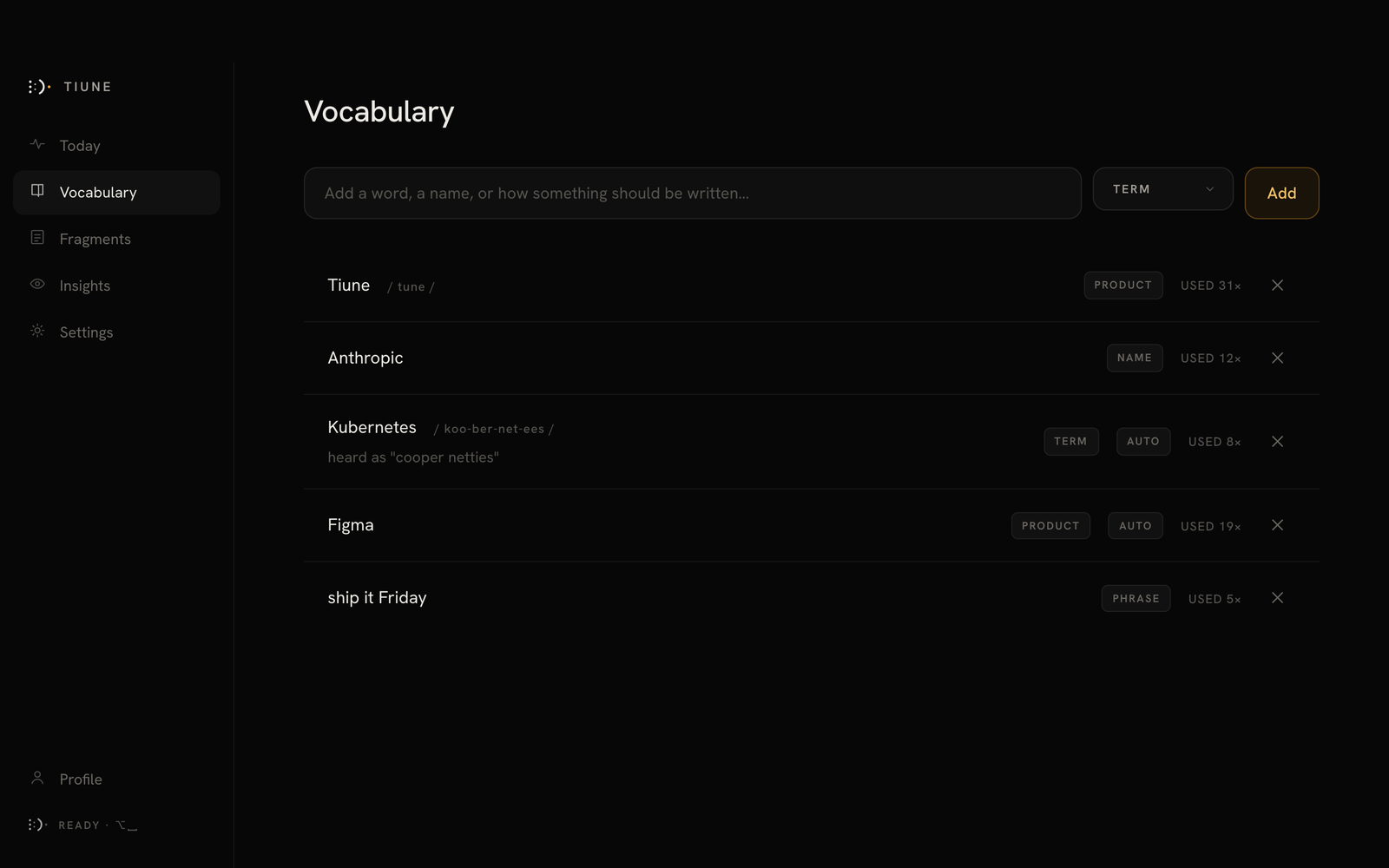
Your names, your jargon, your mixed languages. Correct a word once and Tiune stops getting it wrong.
Words drift in as you speak and firm up as your voice steadies. When you let go, the text is already where your cursor was.
Hold ⌥ in any app. Tiune listens for exactly as long as you hold, and records nothing until you ask.
Talk the way you think. Tiune cleans the stumbles, keeps the meaning, and fits the text already around your cursor.
Let go, and finished text lands where your cursor was. No window to switch to, no box to paste from.
Your names, your jargon, your mixed languages. Correct a word once and Tiune stops getting it wrong.
If your cursor blinks there, Tiune types there.
You always know what Tiune hears, because it shows you.
Polish, professional, shorter, translate, or your own instruction. Tiune never sends, books or opens anything for you.
Hey, can we push the launch call to Thursday? I still need a day to finish the deck.
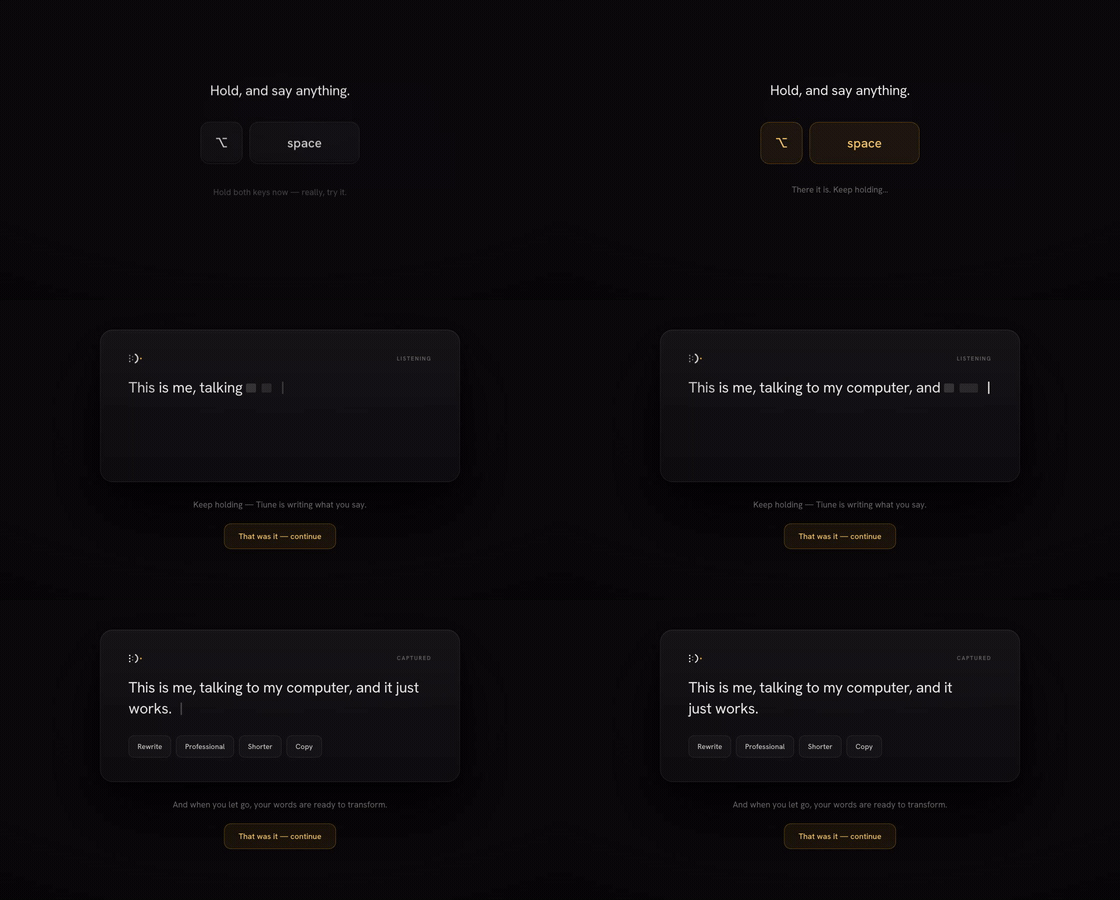
A first capture in the real app, on an actual Mac.
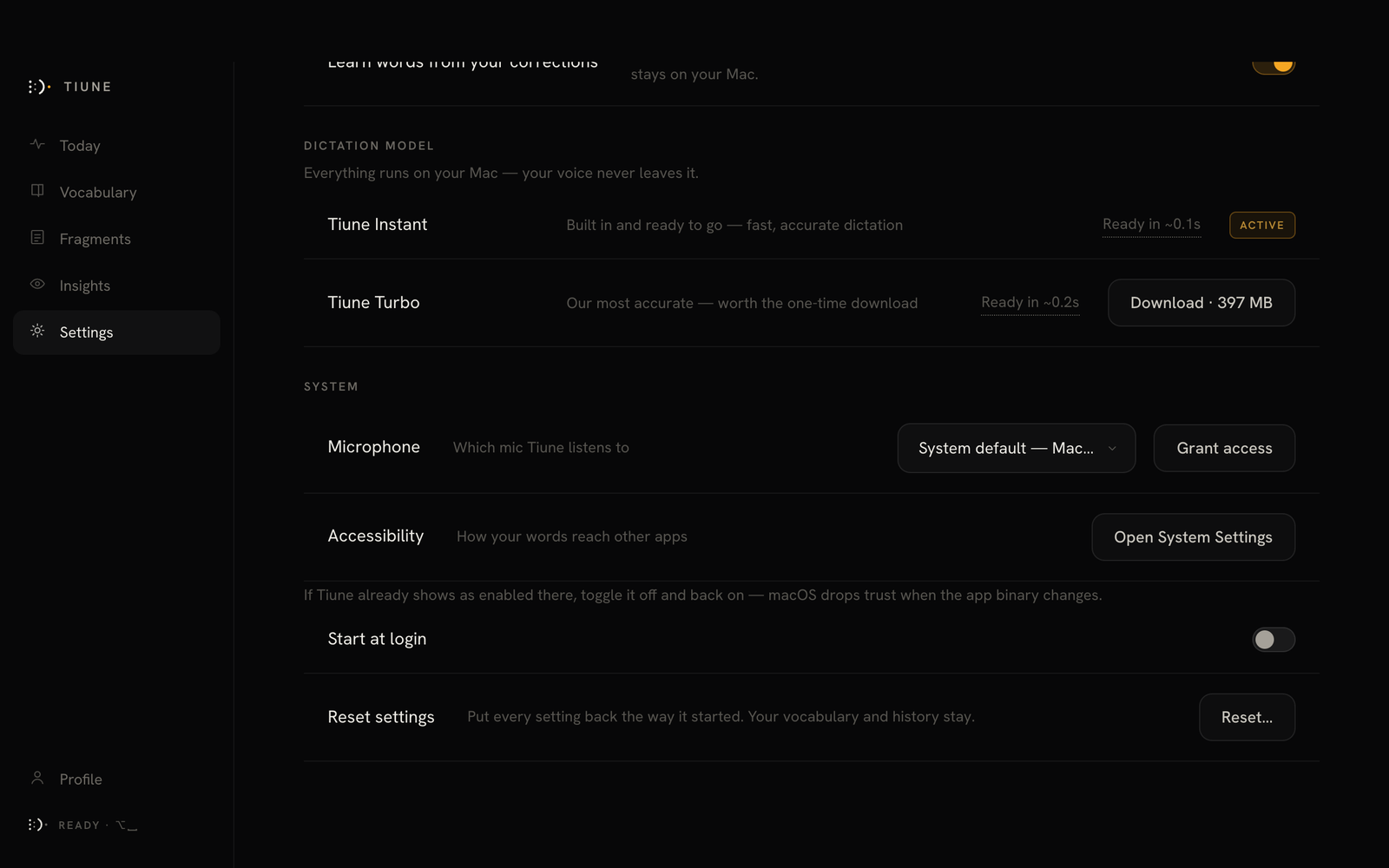
No cloud round-trip needed to dictate. Two engines, switch any time in Settings.
When Zoom, Teams, Slack, WhatsApp, FaceTime or a browser call opens your microphone, Tiune asks whether to take notes. It never starts on its own. When the call ends you have the summary, the decisions and who owes what.
Annual plans launch on Monday and monthly follows a week later. The final numbers from finance are the one thing still open.
Annual goes live first, on Monday.
Sarah Send the final finance numbers by Wednesday.
A meeting is shown in Latin letters, so Urdu reads as Roman Urdu and you can search it and quote it from an English keyboard. Translate to English is one press, the summary follows whichever you are reading, and the language it translates to is a setting.
“You” is your microphone. Tiune separates the other side into voices on your Mac where it can, suggests names from what people say, and waits for you to confirm them. Rename anyone once and every line follows.
Offline, the whole meeting is transcribed on your Mac. Online, on Pro, the audio goes to Deepgram to be transcribed and the summary is written by our cloud AI provider. Tiune never keeps the audio in either mode.
macOS 14.4 or later, or Windows 10 version 2004 or later. On Pro in 0.3.0, coming to Plus in 0.4.0. Recording other people may need their consent where you are, and that decision stays with you.
A full keyboard with a Tiune mic key. Tap it and dictate into any app on your phone.
Android 9 or later. What a keyboard can see, and what Tiune does with it.
Swipe, suggestions, autocorrect, emoji and clipboard, with the mic one tap away.
Matched to about 45 apps, so a chat reads like a chat and an email like an email.
Autocorrect stops fighting it, and a dictionary key teaches the keyboard a new word.
Free on the phone is English. Plus or Pro carries over when you sign in with Google.
Everything that runs on your own machine costs nothing. The paid plans add what can’t run locally: AI cleanup, cloud transcription and meeting notes. Plus and Pro start with 7 days free.
Everything on-device. Nothing you say leaves your computer.
Your words rewritten for intent and context by an AI pass, on whichever engine you run.
The most accurate Tiune gets, in 90+ languages, without asking anything of your hardware.
After checkout you download Tiune. Sign in with the email you paid with, and your plan is already there.
$11 a seat a month. Everything in Pro for everyone, on one bill, with an admin console that shows counts and never content. macOS today.
See TeamsPriced on your seat count. Everything in Teams on a signed agreement, with invoicing, SSO and a named contact.
Talk to usFree runs entirely on your machine. Plus and Pro send words, and on Pro audio, to providers we name, and that is where a promise has to mean something. These three hold for Tiune on every plan, with nothing to switch on. What each provider does with what it receives is set out, provider by provider, on the privacy page.
Your voice is processed as it streams and never written down by Tiune: not to a file on your computer, not to a database, not to a log, not on our server. On Pro with cloud transcription, the provider that transcribes it does keep it, under its own policy. The privacy page says exactly what each one keeps.
We keep nothing to train on, and Tiune has no training programme to opt you into. The AI cleanup providers, Groq and Cerebras, may not train on what they receive. Where a transcription provider would use your audio to improve its models, we opt out on your behalf.
No human review, no quality sampling, no support engineer who can pull up what you said. Your history lives on your computer, and you can switch it off or erase it in Settings. The only words of yours on our server are your vocabulary and custom transformations, kept so they sync between your devices.
What we do collect: anonymous product-usage counts, such as which features get used and how often the app is opened. Never your transcripts, your audio or your vocabulary. Turning it off is one click in Settings › Privacy, and the detail is in the privacy policy.
Yes, a free one. Sign in with Google, Apple or Microsoft. It is what lets your vocabulary and corrections follow you across every device you use.
Plus adds the AI cleanup pass, but transcription still runs on whichever engine you have installed, so it hears whatever that engine hears. Tiune Instant and Tiune Turbo are English-only. If you dictate in another language on Plus, use Tiune Multilingual, which covers 99 of them on your own machine. On Pro the question doesn’t come up: transcription happens in the cloud in 90+ languages either way.
The same dictation, the same bar and the same key: Alt+Space. Meeting notes too, on Windows 10 version 2004 or later.
About 100 MB, or 480 MB with Tiune Turbo installed.
No. Tiune for Android is a keyboard for dictating into any app. Meeting notes live in the Mac app.
Meeting notes on Plus, offline cleanup and more are on the roadmap, with everything that has already shipped below it.
The interface almost disappears. What remains is your language.